Enable/Disable Email Notifications
- Skill required
- No technical skills required
Wether you are receiving too many email notifications, or have setup webhook notifications, there might come a point when you want to disable email notifications.
There are three ways to disable e-mail notifications:
Disable a single notification for a specific user
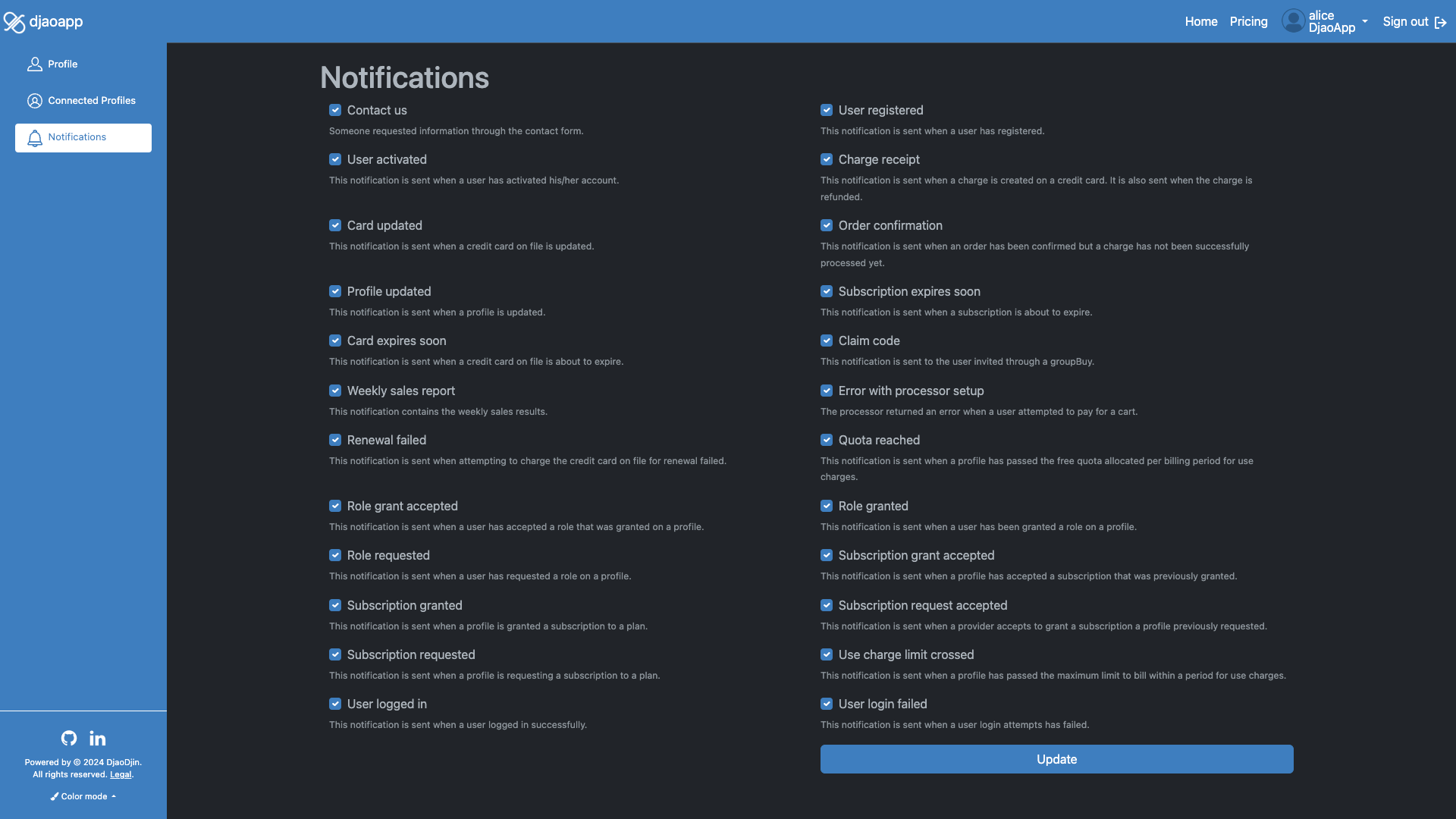
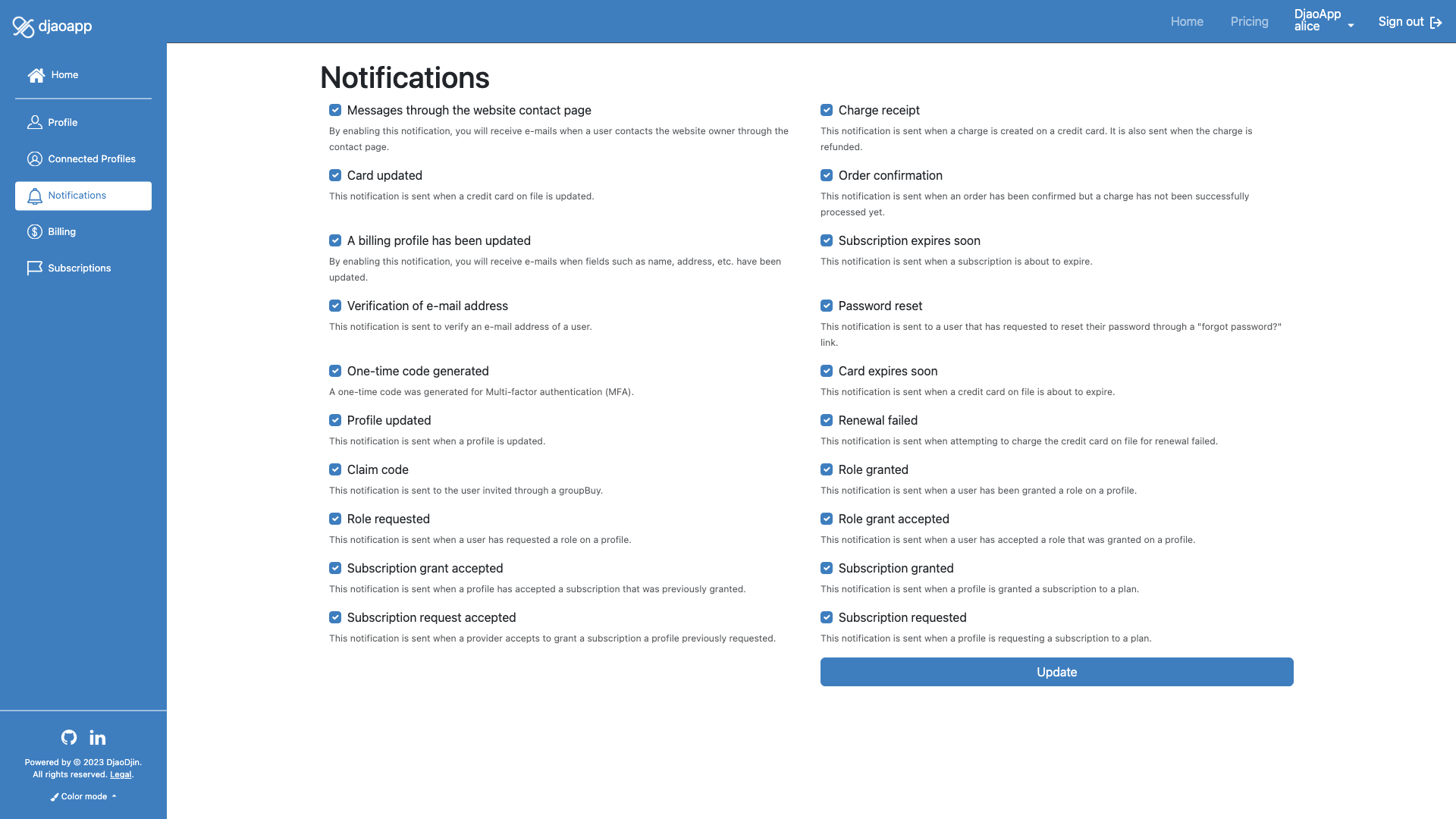
The simplest way to disable a single notification for a specific user is on the dashboard notifications page on your site. You can access that page by clicking on the username in the menu bar at the top of a page, then Profile in the drop-down, and Notifications in the left sidebar.
Enable/Disable the notification you are interested in by clicking on the checkbox next to its name.
The provider and broker profiles are also bcc'ed on some notifications like updates to a subscriber's profile. This provides a crude way of detecting potential cybersecurity issues on low traffic sites. At the same time, while testing, beware that disabling notifications for a subscriber, doesn't disable these notifications being sent as bcc to the provider and broker.
Disable a single notification site-wide
DjaoApp will not trigger any e-mail notifications, as well as silently ignore
template errors, if the e-mail notification template has no subject.
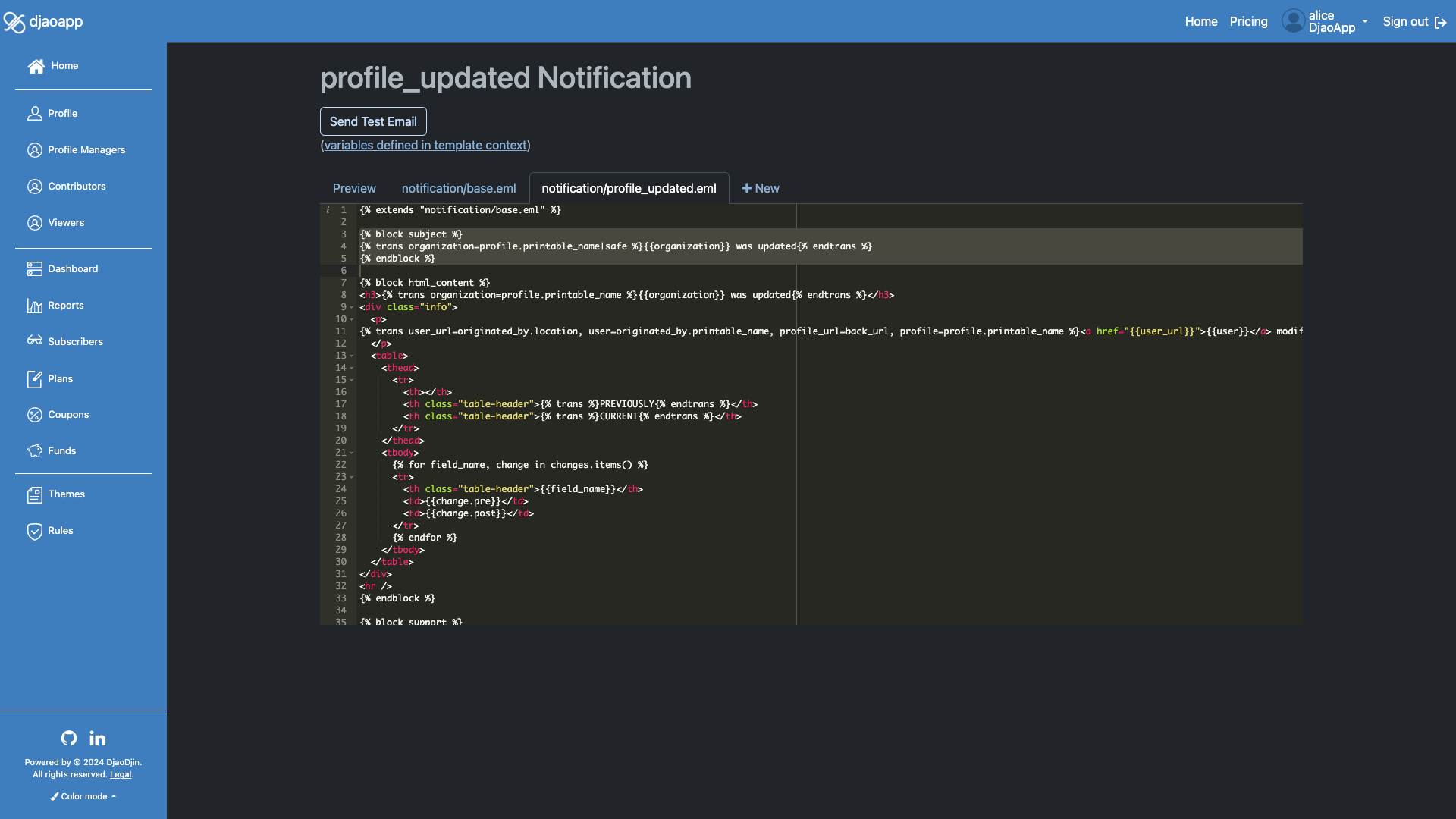
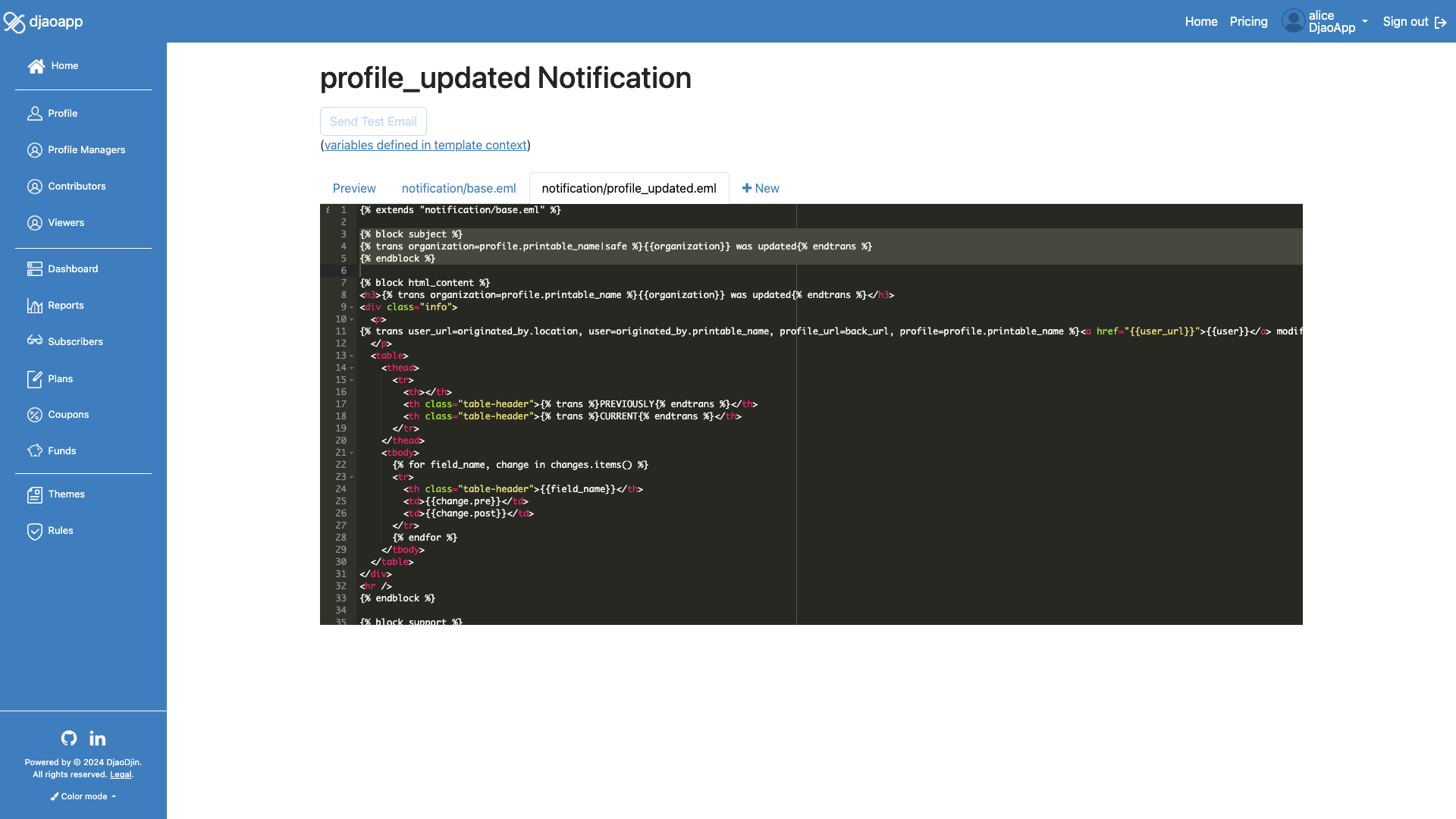
To disable a single notification site-wide, we thus need to edit and remove
the {% block subject %} block in the template
for that notification.
Click on the username in the menu bar at the top
of a page, then Settings in the drop-down, and
Themes in the left sidebar. Click the Edit
link under the notification you want to disable. Find the tab which has
the {% block subject %} code
(ex: notification/profile_updated.eml), and remove the lines from
{% block subject %} to the first
{% endblock %}.
Your edits are automatically saved.
Disable all e-mail notifications site-wide
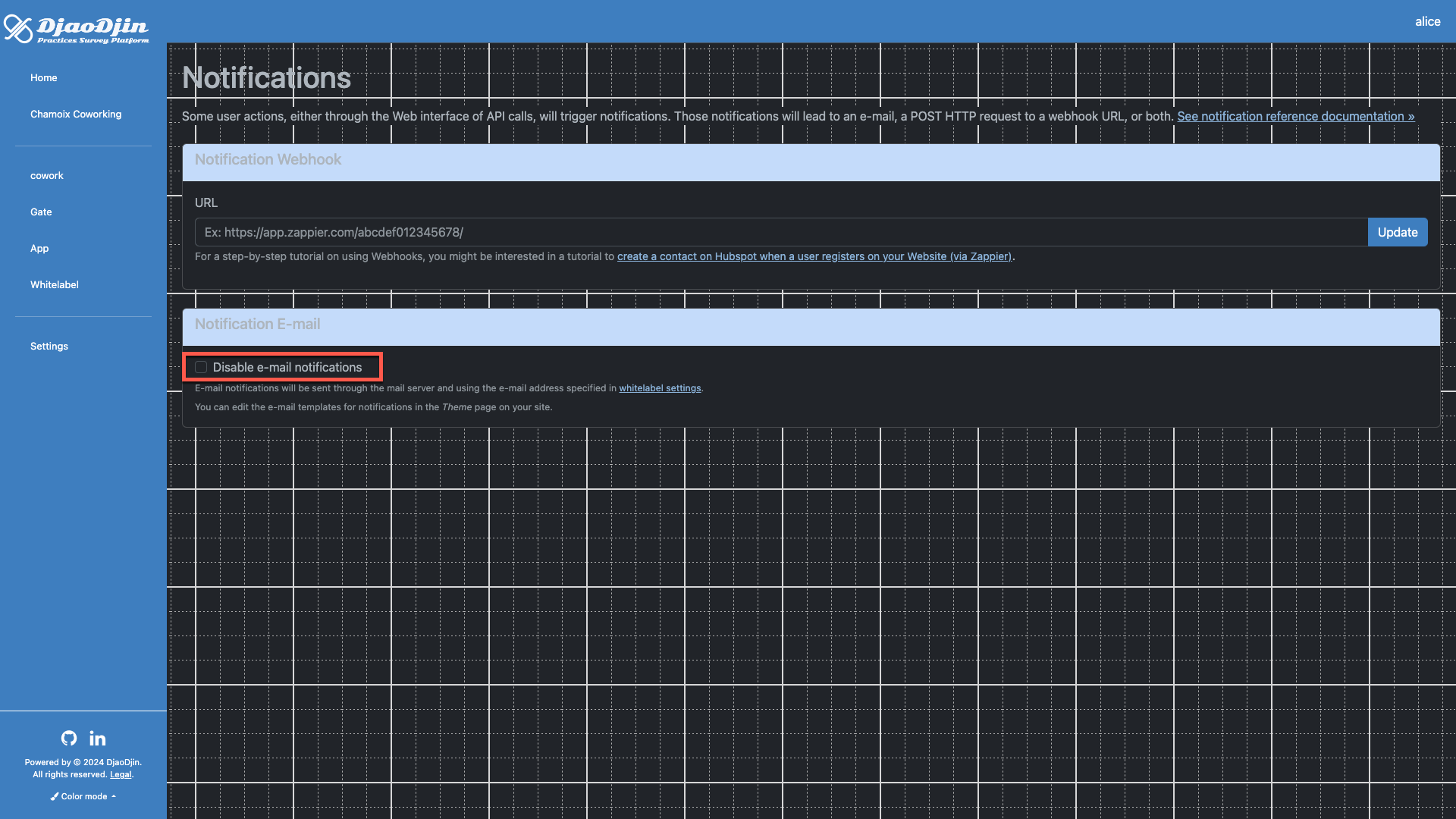
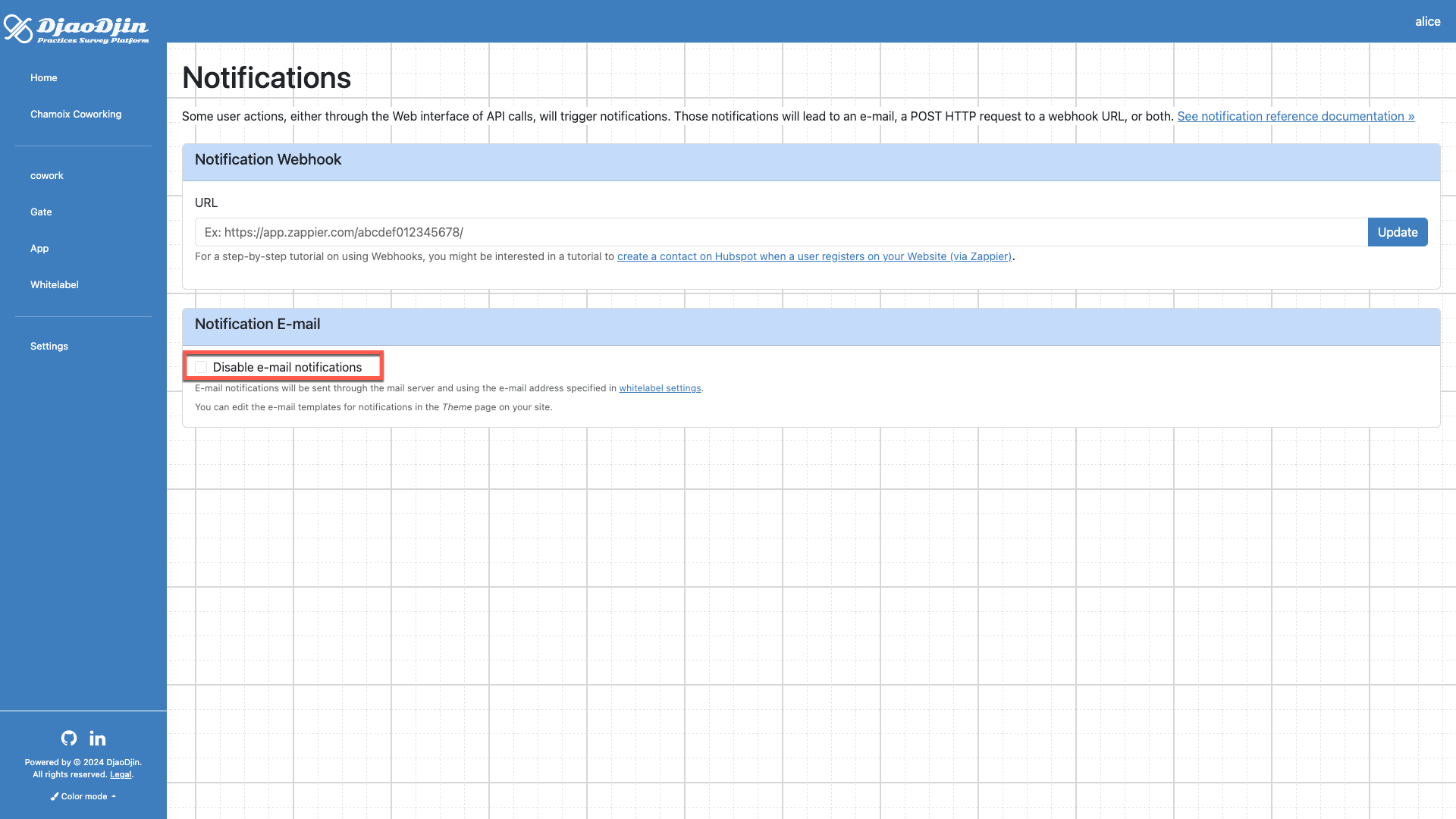
When you want to disable e-mail notifications altogether, login to the hosting platform itself, then browse to your site Control panel. Click Gate in the left sidebar, and Update in the Notifications section. Finally enable/disable all e-mail notifications by clicking the checkbox next to Disable e-mail notifications.
- Need help?
- Contact us
- Curious how it is built?
- Visit us on GitHub